Starting with Sytist version 5.6 is the option to set a default preview photos for galleries created in that section. This will apply this preview photo to new galleries when they are created.
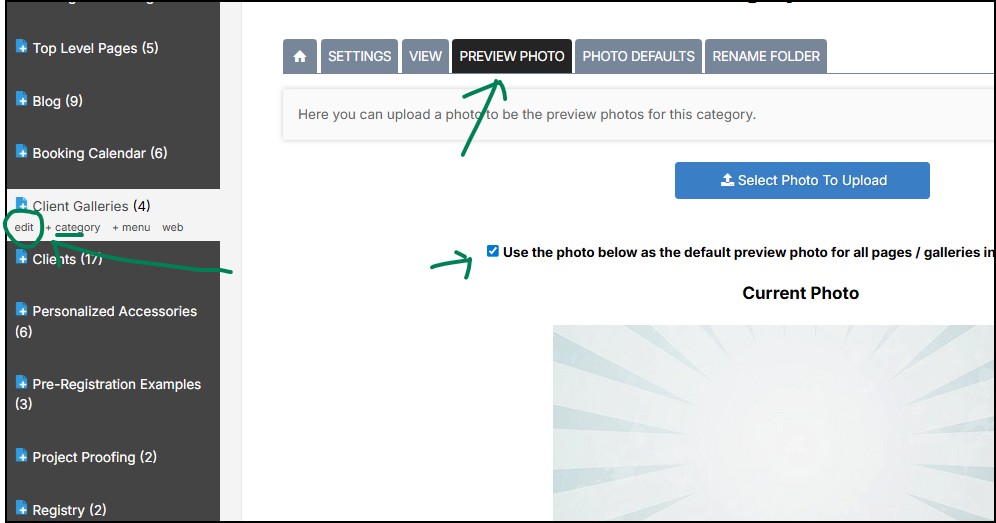
To do so, edit the section your galleries are in, click the Preview Photo tab. Upload the photo you want to be the preview photo for the galleries then check the "Use the photo below as the default preview photo for all pages / galleries in this category." option.
This won't change any existing galleries, just new ones you create.
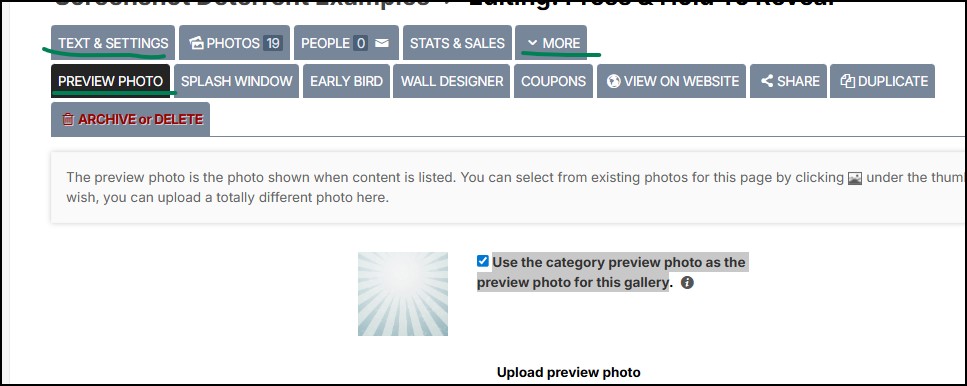
You can also go into existing galleries click the More option -> Preview Photo and check the option "Use the category preview photo as the preview photo for this gallery".