Please understand this is only a deterrent! There is no way to completely stop a screenshot on the web. It is also important you still watermark your images.
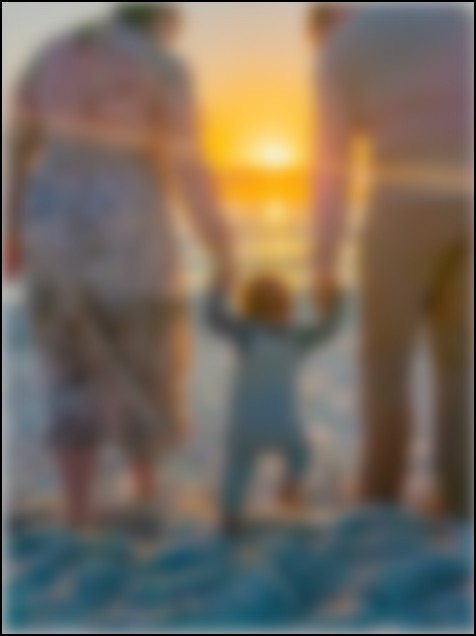
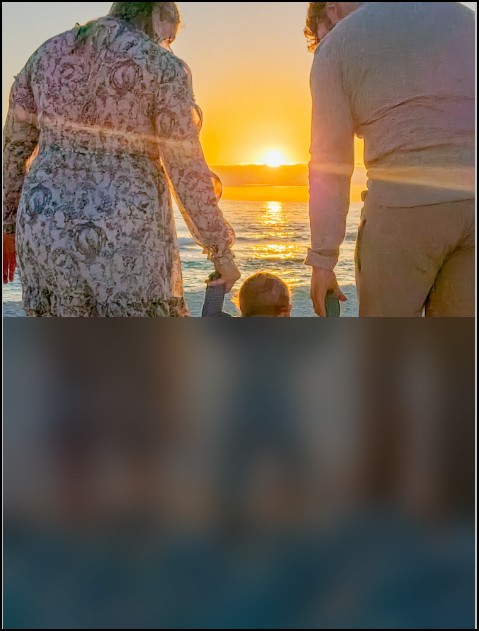
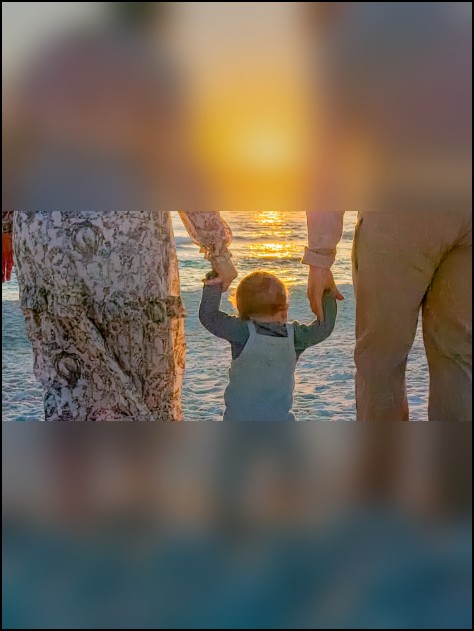
The screenshot deterrent will blur or partially blur the photo until the visitor uses the reveal button(s).
There are 3 types: Full coverage, half coverage and two-thirds coverage.
Other features
If the viewer presses the CTRL key on the keyboard, the page will blur and fade.
If the page loses focus, like clicking on something in the system tray, the page will blur and fade.
With the half and two-thirds coverage options there is an 8 pixel horizontal strip that is never revealed. If someone were to try to combine multiple screenshots it will be missing that strip or show a blur strip.
Settings
In Settings -> Photo Settings you can adjust how much blur for the full coverage and also how long it shows before it starts to fade and how fast to fade and how much blur to apply to thumbnails.
Note
With screenshot deterrent enabled, it will only use one type of thumbnail style and will disable the magnify feature. Also if you have custom cropping enable for a product, that cropping image will not be blurred.
How to enable
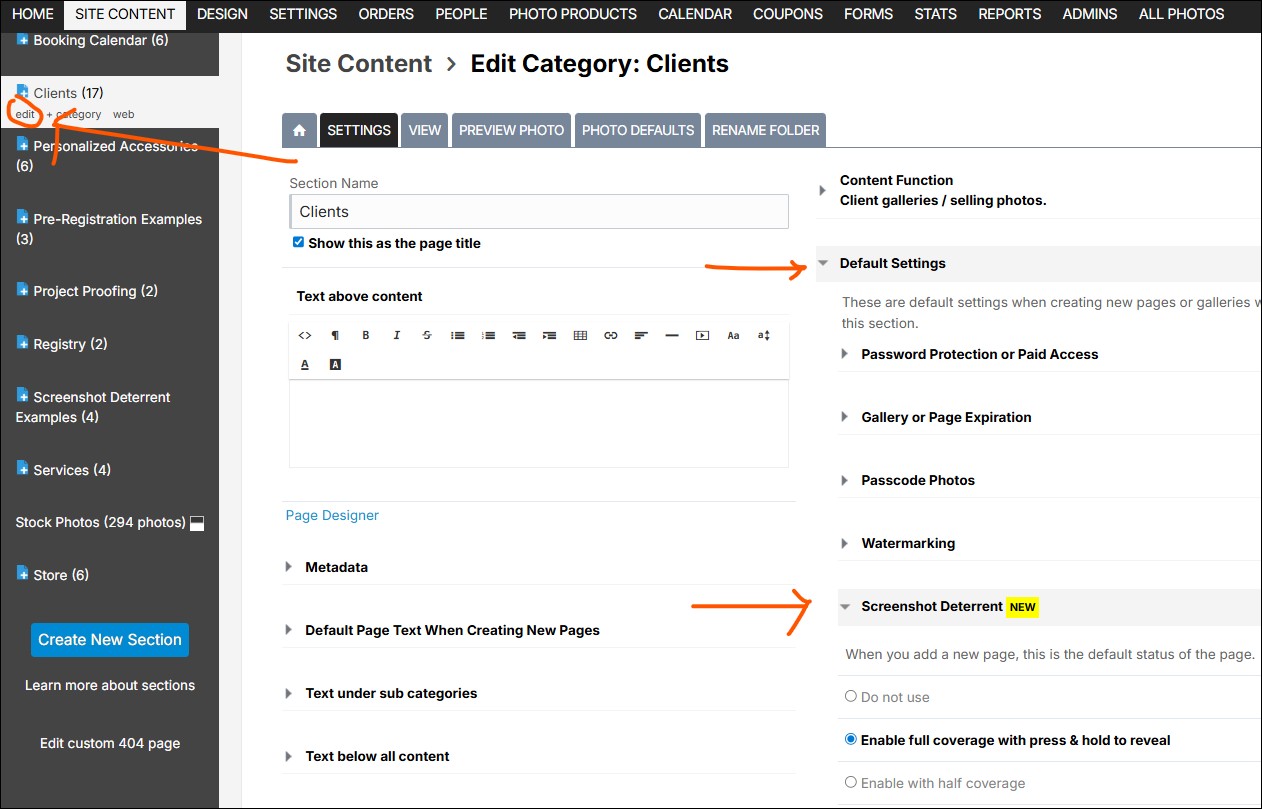
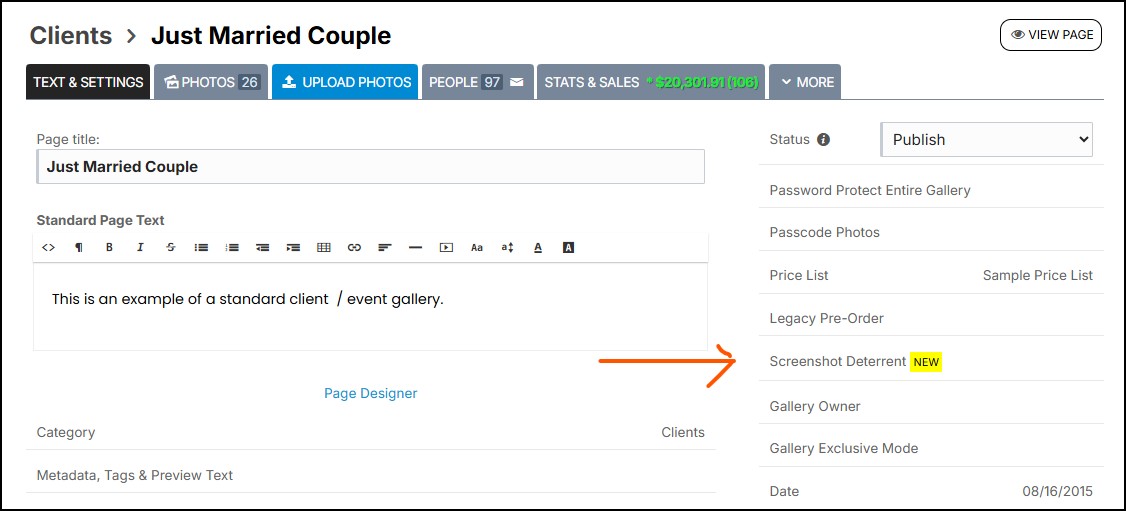
The option to enable this is while in the Text & Settings tab of a gallery on the right side of the page.,
You can also set a default setting in the default section when editing the section or category your galleries are in.