Starting with Sytist version 5.9 is the ability to reprocess photos already uploaded to a gallery. This means to take the original file uploaded and recreated the photos shown on the website by resizing and applying watermarking.
To reprocess photos, go into the Photos tab of the gallery, click the More option in the photos menu then Reprocess Photos.
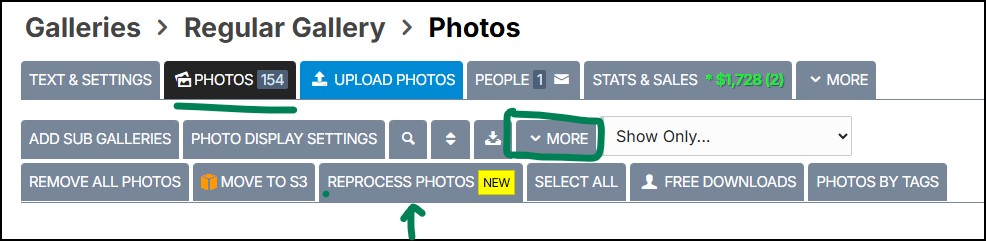
If you are in a sub gallery, it will only reprocess the images in that sub gallery.
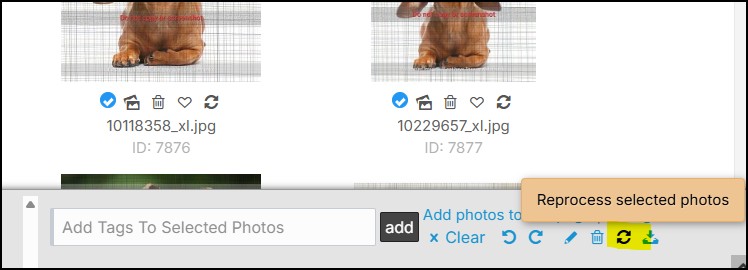
You can also select the photos you want to reprocess and click the reprocess icon in the tray at the bottom of the screen to just reprocess selected images.