The new Watermark Plus system is not only designed to generate watermarks but also designed to help hinder AI watermark removal services.
You have options such as applying tiled copyright text, applying multiple lines of text and applying deterrents such as hatching, random block layers and grain.
Some of these deterrents work well against some watermark removal models but some are just too good.
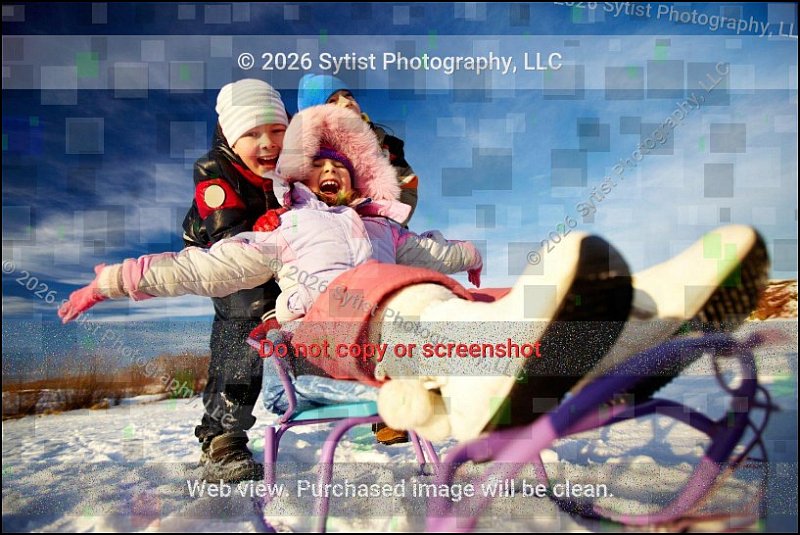
Here is an example of Watermark Plus using the default setting of light hatching, tiled text and 3 lines of text.
The results below using 3 different watermark removal services. Though the text is removed, it is left with the hatching. And removers that can remove the hatching leave the photos blurry.
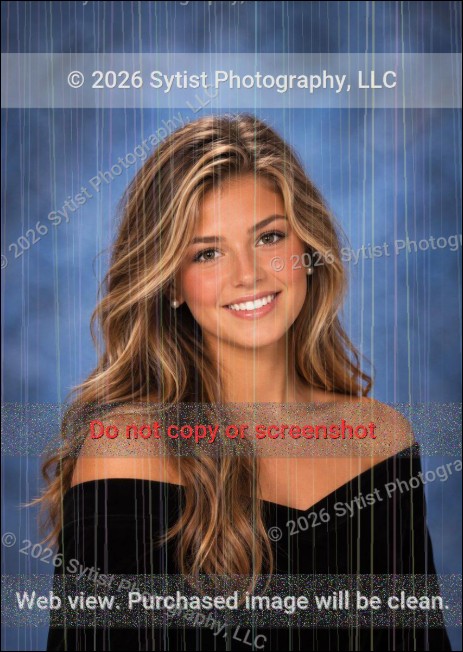
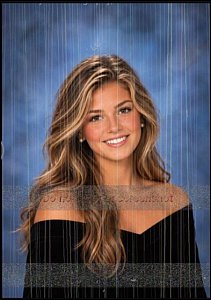
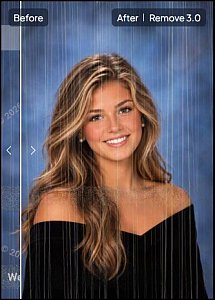
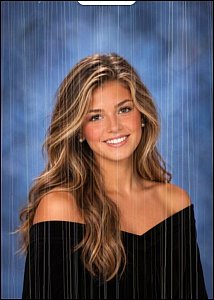
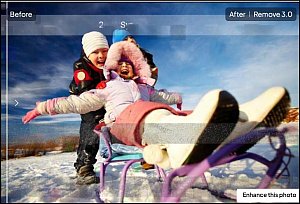
Another example using the Random Blocks Layer, tiled text and 3 lines of text.
The results below using 3 different watermark removal services. Though the text is mostly removed, it is left with artifacts and the images blurry.


Though this isn't bullet proof, nothing is nowadays, it will help and make it harder for the AI watermark remover services.