The gallery terms & conditions are a set of terms and conditions a visitor has to agree to before viewing photos in a gallery. Terms such as do not copy, do not screenshot, etc....
Highlights:
- Photos can't be viewed unless the visitor agrees to the terms & conditions.
- It can be enabled on a per gallery basis.
- You can create a custom terms & conditions on a per gallery basis.
- It logs the IP address and account if logged in of those who agree to the terms & conditions.
Once a visitor agrees to the terms & conditions for a gallery, it will set a cookie and won't prompt them again for that gallery or any other gallery as long as the cookie is still there. If they are logged into an account it won't display the terms & conditions again as long as they are logged into their account because it will record they have agreed.
Settings -> Gallery Terms & Conditions
A default terms & conditions is provided. Anywhere in the terms and conditions you see [WEBSITE_NAME] will show your website name from Settings -> Basic Settings. These are the terms & conditions shown unless you create a custom one for the gallery.
You can also view the activity log in Settings -> Gallery Terms & Conditions.
How to Enable
When in the Text & Settings tab for the gallery, underneath the text editor is the option for Gallery Terms & Conditions. Click that to see the options.
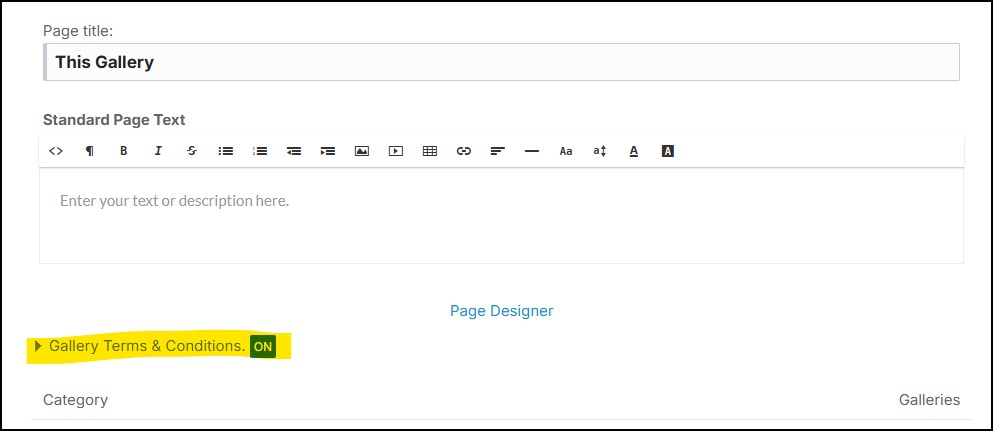
In those settings you have the option to use the default terms & conditions or create a custom one for that specific gallery.
Settings a Default Value & Batch Updating Existing Galleries
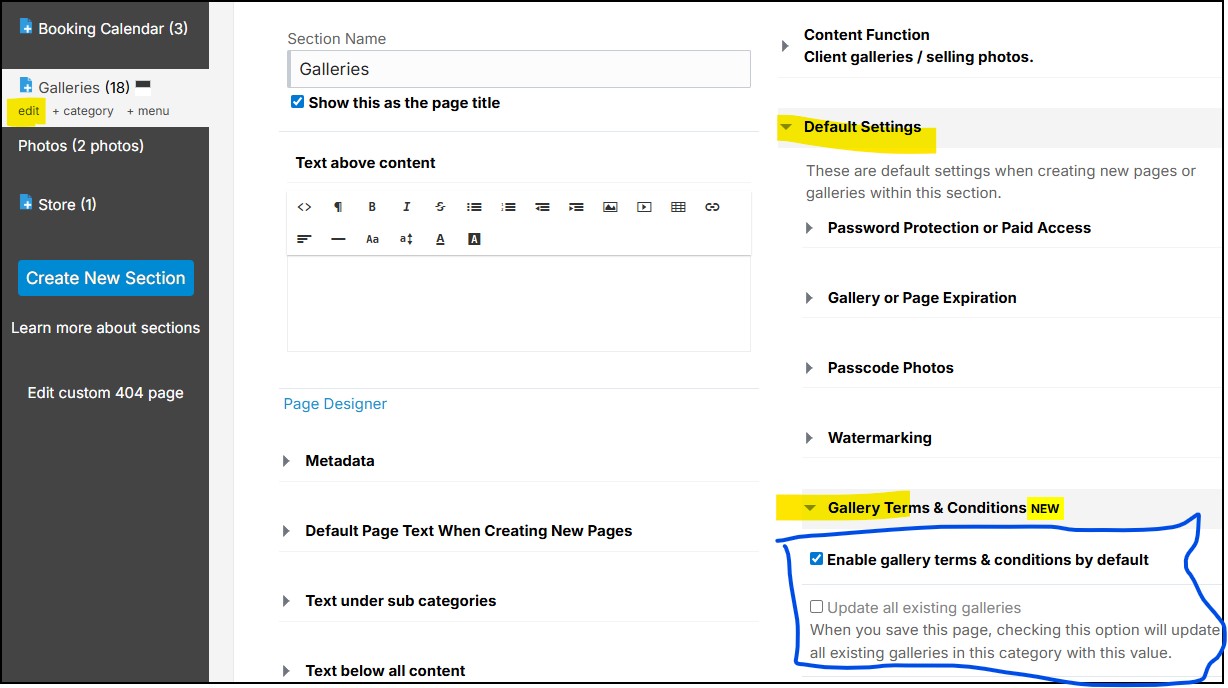
Edit the section or category your galleries are in and navigate to Default Settings -> Gallery Terms & Conditions. There you can set it to be on by default and also batch update any existing galleries.